
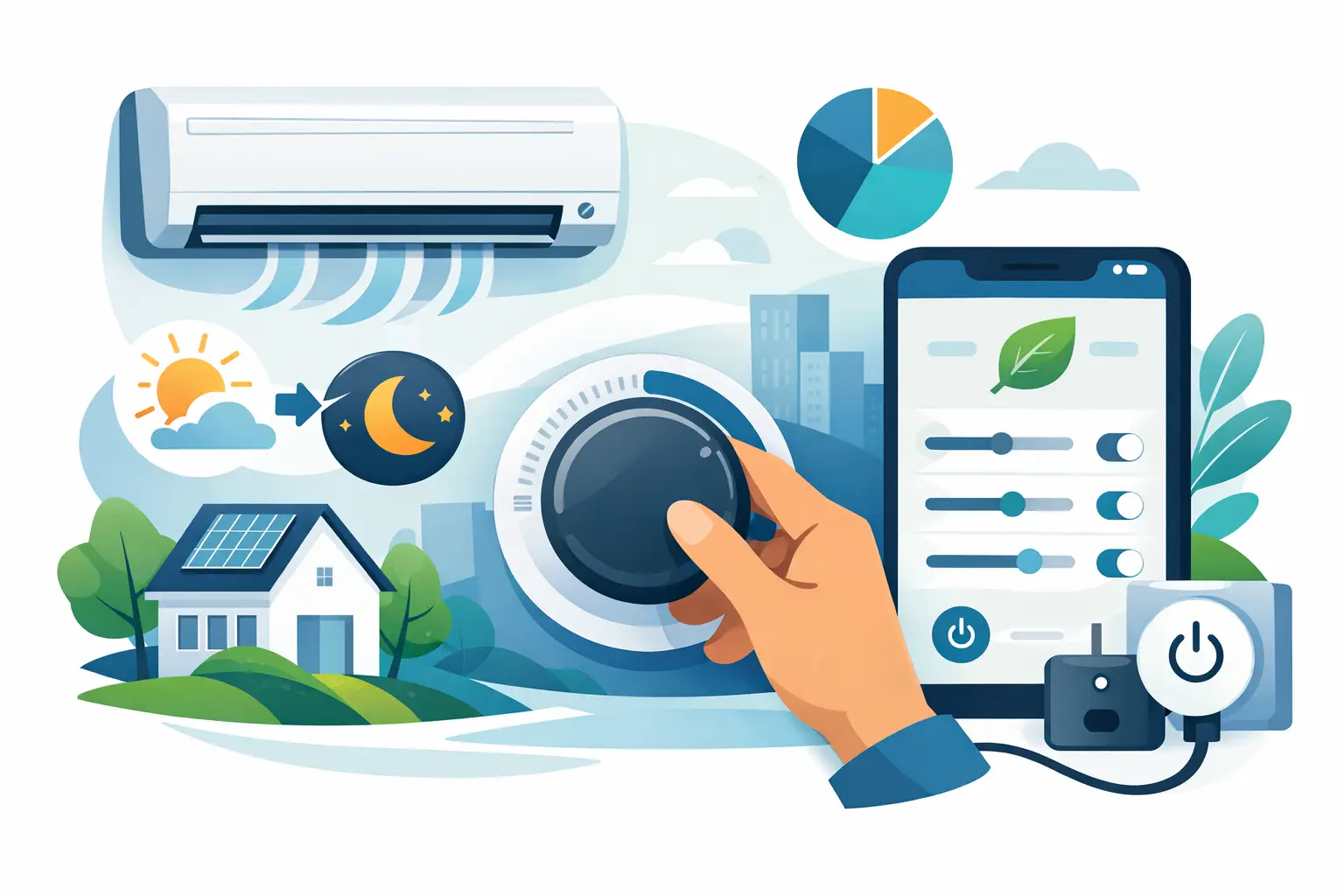
A thermostat set a few degrees too low can make a home feel colder than necessary while sending utility costs up month after month. The same issue affects offices, shops, and other commercial spaces, where a system may run hard simply because its controls were never configured for how the building is actually used. The right energy saving settings reduce unnecessary runtime without asking people to put up with uncomfortable rooms.
There is no single setting that suits every property. A well-insulated home with a modern variable-speed system can operate differently from an older house, a busy retail store, or an office with large west-facing windows. The practical goal is to match the air conditioner’s operation to occupancy, weather, building layout, and the capabilities of the equipment.
Start With a Sensible Temperature Setpoint
For cooling, 75-78°F is a useful starting range for many occupied homes and businesses. Every degree below that range generally increases the load on the system, particularly during hot, humid weather. Setting the thermostat to 68°F does not cool the space faster. It only tells the equipment to run longer until it reaches a lower target that may not be necessary.
Comfort depends on more than the number displayed on the thermostat. Humidity, airflow, sun exposure, clothing, and the number of people in a room all matter. If 77°F feels warm, try improving air circulation with the indoor fan, closing blinds on sunny windows, or checking whether a particular room has poor airflow before lowering the entire system’s setpoint.
When a property is empty, increase the cooling setpoint rather than turning the system off completely in every situation. For many homes, 82-85°F during work hours can limit energy use while preventing excessive indoor heat buildup. Commercial properties may need a more moderate setback to protect stock, equipment, or server areas. The right approach depends on what is in the building and how quickly the system can recover before people return.
Use Energy Saving Settings on a Schedule
A programmable thermostat or app-connected controller is useful only when its schedule reflects real routines. Set occupied temperatures for the hours people are normally present, then use higher cooling temperatures overnight or during vacant periods. Avoid complicated schedules that occupants will override every day. A simple weekday and weekend program is usually easier to maintain.
For example, a household could begin cooling 30 to 60 minutes before the first person arrives home, rather than running at the preferred temperature all afternoon. A small office can schedule comfort cooling before opening, hold a moderate setting while occupied, and move to a setback after staff leave. The best start time varies according to insulation, system size, and outdoor conditions, so it may take a week or two of small adjustments to find the balance.
If your thermostat offers a learning or adaptive recovery feature, test it during a normal week. These functions can start the system early enough to meet the desired temperature at the scheduled time. They can be helpful in well-maintained properties, but they are not always ideal for buildings with highly variable occupancy or poor insulation.
Avoid Constant Manual Changes
Frequently changing the temperature up and down can defeat the purpose of scheduling. It also makes it difficult to identify whether the building has a genuine comfort issue. If one area is consistently too warm, the solution may be zoning, duct balancing, a fan setting, or a service issue rather than a colder thermostat setting.
Set the Fan Mode for the Season and System
Most thermostats offer Auto and On fan modes. In Auto, the indoor fan runs only while the system is actively cooling or heating. This is often the most economical setting because the fan does not consume electricity continuously.
The On setting can help circulate air in homes with uneven temperatures, multi-level layouts, or rooms far from the indoor unit. However, it uses more power and can make a humid space feel less comfortable if the fan keeps moving air after the cooling cycle ends. In systems that remove moisture during cooling, continuous fan operation may also reintroduce some moisture from the coil back into the air.
Some variable-speed systems include a low-speed circulation mode. This can be a worthwhile option because it improves air mixing with less electricity than a conventional fan running at full speed. Check the system manual or ask a qualified HVAC technician how your particular equipment handles continuous circulation.
Use Zones Without Cooling Empty Rooms
Zoning is one of the most effective ways to control operating costs in larger homes and commercial spaces. A properly designed ducted system may allow separate temperature control for living areas, bedrooms, upper floors, offices, meeting rooms, or retail zones. Multi-split and VRF/VRV systems can provide a similar benefit by allowing individual indoor units to be operated only where needed.
The saving comes from selective use, not from shutting down zones without considering airflow requirements. On some ducted systems, closing too many zones can restrict airflow and create excess pressure in the ductwork. That may increase noise, reduce performance, or cause equipment faults. A professionally designed zoning system accounts for minimum airflow and uses controls that protect the equipment.
For a household, it may make sense to cool living spaces during the day and bedrooms in the evening. For a business, unused meeting rooms, storage areas, and back offices do not always need the same conditions as customer-facing spaces. The controls should reflect the way the property operates, not just the way it is divided on a floor plan.
Enable Efficient Modes, But Know Their Limits
Many split and ducted air conditioners include Eco, Energy Saver, Sleep, Dry, or Quiet modes. These settings can be useful, although the names differ by manufacturer and they are not interchangeable.
Eco or Energy Saver mode may limit compressor output, adjust the setpoint gradually, or reduce fan speed. It is often effective once the room is close to the desired temperature. On an extremely hot afternoon or in a crowded commercial room, it may take longer to recover and may not maintain comfort as well as standard cooling.
Sleep mode typically raises the cooling setpoint in small increments overnight. This aligns with the way most people need less cooling as the night progresses and can reduce unnecessary runtime. Dry mode focuses more heavily on moisture removal. It can make a mildly humid room feel more comfortable without requiring an aggressively low temperature, but it is not a substitute for standard cooling when the indoor temperature is genuinely high.
Quiet mode is primarily about lower fan and compressor noise. It may reduce capacity, so it is best used after the room has already reached a comfortable condition rather than during peak heat.
Reduce the Load Before Adjusting the Thermostat Again
Controls work best when the system is not fighting avoidable heat gain. Close curtains or blinds before direct sun reaches the room, keep exterior doors and windows shut while cooling is running, and seal obvious gaps around windows and doors. In commercial spaces, frequent customer entry, loading doors, cooking equipment, lighting, and computers can all add heat that needs to be considered when setting schedules and temperatures.
Ceiling fans are another practical support tool. They do not lower the room temperature, but the air movement can make occupants feel cooler. That often allows a slightly higher thermostat setting. Turn fans off in empty rooms because the benefit comes from people feeling the airflow, not from the fan cooling the space.
Maintenance Protects Your Settings From Being Wasted
An efficient setting cannot compensate for a blocked filter, dirty coil, refrigerant issue, failing fan motor, or leaking ductwork. When airflow is restricted, the system runs longer to deliver less cooling. A room may feel warm, leading occupants to lower the thermostat even further and increase operating costs.
Check return-air filters regularly and clean or replace them according to the manufacturer’s instructions. In homes with pets, construction dust, or frequent use, filters may need attention more often. Keep outdoor units clear of leaves, stored items, and dense vegetation so heat can escape properly.
Professional maintenance is particularly worthwhile before a high-use season. A technician can check operating pressures, electrical components, condensate drainage, coils, airflow, thermostat calibration, and duct condition. For commercial equipment and larger ducted systems, preventive service also helps identify issues before they interrupt business operations.
When Lower Bills Require More Than Settings
If your system runs almost constantly, cools some rooms but not others, makes unusual noise, or cannot hold a reasonable temperature, the issue may be equipment condition or system design. An oversized unit can cycle too quickly and manage humidity poorly. An undersized system may struggle through peak weather. Poorly located indoor units, undersized ducts, inadequate return air, and missing zoning can also undermine efficiency.
A professional assessment should look beyond the thermostat. The most useful recommendation considers the building, occupancy pattern, existing system, and long-term operating costs rather than simply suggesting the lowest-priced replacement.
Small changes to temperature schedules, fan operation, and zones can produce meaningful savings, but comfort should remain the test. If your settings only work by leaving certain rooms uncomfortable, it is worth having the system and airflow checked so the solution lasts beyond the next utility bill.