
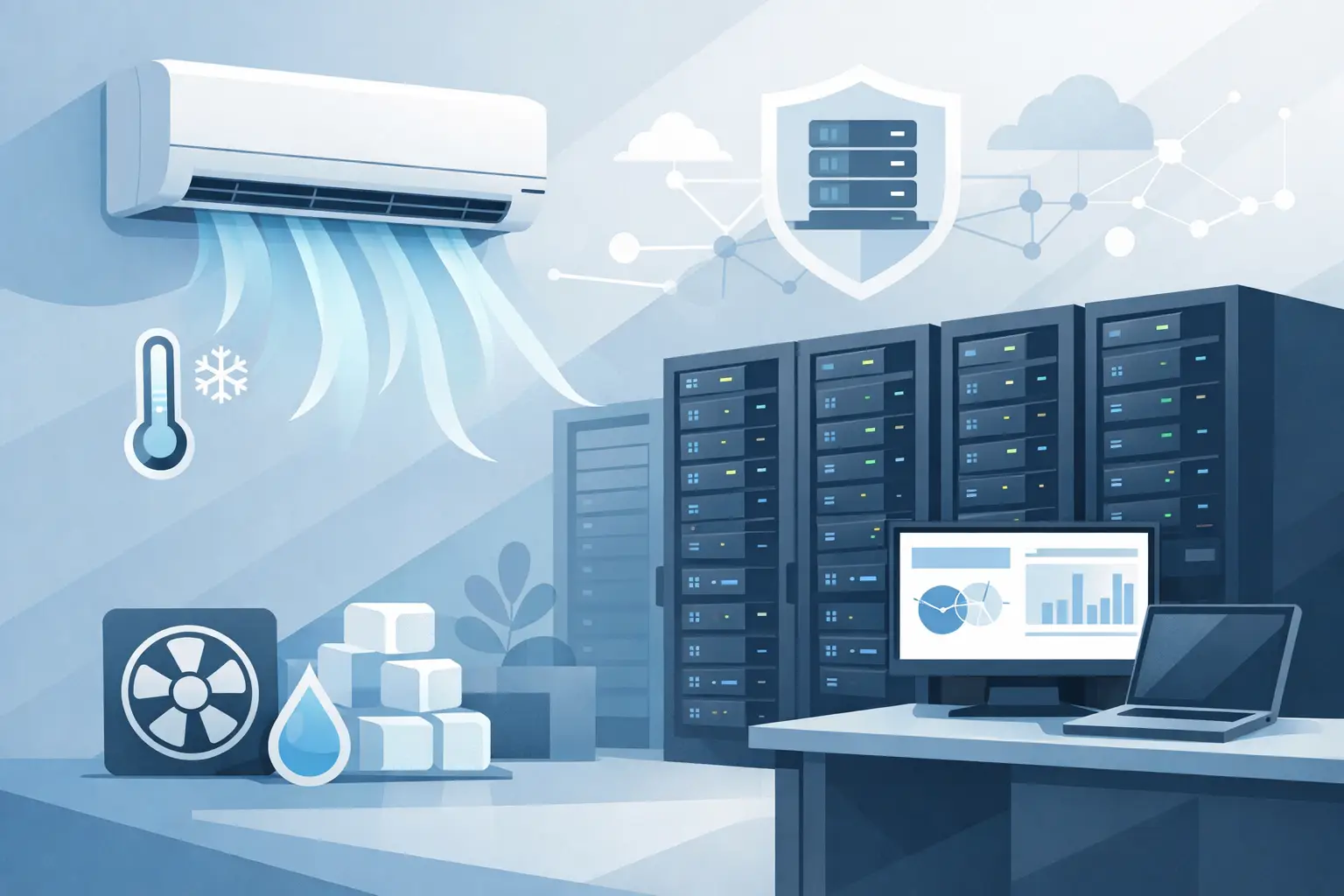
A server room does not fail all at once. More often, it starts with heat alarms, random shutdowns, short equipment life, and a cooling setup that was never designed for constant IT loads. Choosing the right aircon for server room use is less about general comfort and more about protecting uptime, equipment, and operating costs.
Unlike a standard office, a server room produces heat around the clock. Even a small rack can create a surprising thermal load, and that load does not disappear after business hours. That is why the cooling approach needs to be based on equipment heat output, room layout, airflow, and redundancy, not just square footage.
Why server rooms need a different cooling approach
People can tolerate temperature swings for a while. Servers cannot. Network switches, UPS units, storage hardware, and related equipment all generate heat continuously, and they perform best within a controlled temperature range.
A comfort cooling system in a nearby office might keep the room feeling acceptable for staff, but that does not mean it is suitable as an aircon for server room environments. Comfort systems are often sized around daytime occupancy patterns, door openings, sun exposure, and short peak periods. Server rooms are different because the heat load is internal, constant, and sensitive to interruption.
Humidity also matters. If the room gets too humid, condensation risk increases. If it gets too dry, static electricity becomes more of a concern. The goal is stable environmental control rather than simply making the room cold.
What to assess before choosing aircon for server room cooling
The first step is understanding the actual heat load. Many server room problems begin with guesswork. A room may look small, but once you total up servers, racks, network equipment, battery backup systems, and future expansion, the cooling demand can be much higher than expected.
Heat load calculations should account for IT equipment wattage, lighting, occupancy, insulation, and whether the room sits inside the building or against a hot exterior wall. In many cases, future growth is just as important as current demand. If the cooling system is selected only for today’s load, you may end up replacing or supplementing it sooner than planned.
Room layout is another factor. Where the racks are placed, how air enters and leaves the room, and whether hot exhaust air is recirculating back into equipment intakes all affect performance. A well-sized system can still struggle if airflow is poorly managed.
Then there is operating risk. If the server room supports critical business systems, a single point of failure may not be acceptable. In that case, redundancy should be part of the discussion from the start.
Which type of system is usually best?
There is no one-size-fits-all answer, because the right setup depends on room size, load, budget, and how critical the equipment is.
For small server rooms, a dedicated split system is often a practical option. It can provide reliable cooling without the cost and complexity of specialized data center equipment. The key word is dedicated. Sharing a system with an office or general workspace can create problems when thermostat settings change or the main system shuts down after hours.
For medium-sized rooms or sites with multiple equipment zones, a multi-split or VRF/VRV-style setup may make more sense. These systems can offer better flexibility and control, especially where there are several technical rooms or varying loads across the property.
For higher-load or business-critical environments, precision cooling may be worth considering. These systems are designed specifically for equipment rooms and offer tighter control over temperature and humidity. They also tend to support continuous operation more effectively. The trade-off is cost. Not every small business server room needs precision cooling, but for some operations, the extra control and reliability are justified.
Sizing mistakes that cause expensive problems
Oversizing and undersizing are both common, and both create issues.
An undersized unit may run constantly without properly pulling down temperature during peak load or hot weather. That increases wear, raises power bills, and leaves little margin when outdoor conditions get tougher.
An oversized system can short cycle. That means it cools the room quickly, shuts off, then starts again too often. Short cycling can reduce efficiency, strain components, and lead to poor humidity control. In a server room, stable operation matters more than aggressive blast cooling.
That is why proper design matters. Equipment load, sensible heat ratio, airflow path, return air conditions, and operating schedule all affect sizing. A rule-of-thumb estimate is rarely enough for a room that houses critical electronics.
Redundancy and monitoring matter more than most owners expect
Many businesses focus on the primary system and overlook what happens if it stops working at 2 a.m. If the room contains core business infrastructure, a backup plan is part of the cooling strategy.
Redundancy can mean different things. In some rooms, it means two systems sized so one can carry the essential load if the other fails. In others, it may mean a lead-lag arrangement where units alternate duty to balance wear. The right level depends on downtime tolerance and budget.
Monitoring is just as important. A server room should not depend on someone noticing that it feels hot. Temperature alerts, remote monitoring, and fault notifications can reduce response time and prevent damage. Even a good aircon for server room applications becomes a weak point if no one knows it has failed.
Airflow is not the same as cooling capacity
One of the most overlooked issues in server rooms is airflow management. You can have enough total cooling capacity on paper and still end up with hot spots at rack level.
Servers pull in air at the front and reject heat out the back. If hot exhaust mixes immediately with incoming air, inlet temperatures rise fast. That is why supply air placement, return air location, and rack orientation make such a difference.
In smaller rooms, simple improvements can help a lot. Keeping racks organized, sealing cable gaps, avoiding blocked returns, and maintaining clear air paths often improves performance without changing the equipment itself. In more demanding spaces, hot aisle and cold aisle planning may be appropriate.
Energy efficiency still matters, but reliability comes first
Business owners often ask about efficiency, and that is the right question. Server room cooling runs for long hours, so operating cost can add up quickly.
Still, the cheapest system to run is not always the best fit. Reliability, serviceability, and control quality come first because the cost of downtime can easily outweigh power savings. The better approach is to look for a system that balances efficiency with dependable 24/7 operation.
Features such as inverter technology, staged operation, programmable controls, and properly matched capacity can all help reduce waste. Good maintenance also plays a major role. Dirty filters, blocked coils, refrigerant issues, and failing fans all hurt efficiency and performance.
Installation details that should not be treated as minor
The quality of installation affects how well the system performs over time. Refrigerant line sizing, condensate drainage, electrical protection, control setup, and unit placement all matter.
For example, placing the indoor unit where it blows directly into one side of the room can create uneven cooling. Poor drainage can lead to water issues near sensitive equipment. Lack of surge protection or improper power planning can expose both the air conditioning system and the server hardware to avoidable risk.
After installation, testing should confirm more than basic startup. Temperature performance, airflow direction, controls, and alarm functions should all be checked under realistic conditions.
Maintenance is part of the protection plan
Server room cooling should not be treated as install-and-forget equipment. Preventive maintenance helps catch the small issues that turn into outages.
A proper maintenance visit should include filter checks, coil cleaning, refrigerant assessment, drain inspection, electrical checks, and control verification. If the room is business-critical, service intervals may need to be more frequent than they would for a standard office split system.
This is also where honest advice matters. Sometimes the issue is a repairable fault. Other times, repeated alarms and rising temperatures point to a system that is no longer suited to the load. A dependable contractor should be clear about that difference.
When a basic office AC is not enough
Some businesses start by extending an existing office air conditioner into a server room. It can seem cost-effective at first, but this approach often creates more problems than it solves.
Office systems may shut down after hours, respond to comfort settings elsewhere in the building, or lack the control needed for a room with constant heat output. They also may not provide the airflow pattern or redundancy that server equipment requires.
For small businesses, a dedicated split system can often be the practical middle ground between underperforming comfort cooling and full-scale precision equipment. The best choice depends on how critical the room is, how much heat it generates, and what level of risk the business can accept.
A server room does not need guesswork or a generic AC recommendation. It needs a cooling setup that matches the equipment, the load, and the consequences of failure. If you get those three things right, the room stays quiet, the hardware stays protected, and the business has one less problem waiting to happen.